
Home
Your Account
Publishing Data
- Join an organisation
- Manage organisation information
- Add or remove users
- Manage your data files
- Manage tool permissions
Developer Documentation
Download
PDFChanging your password#
If you have forgotten your password:
Go to the IATI Account homepage
Click “Sign in with IATI”
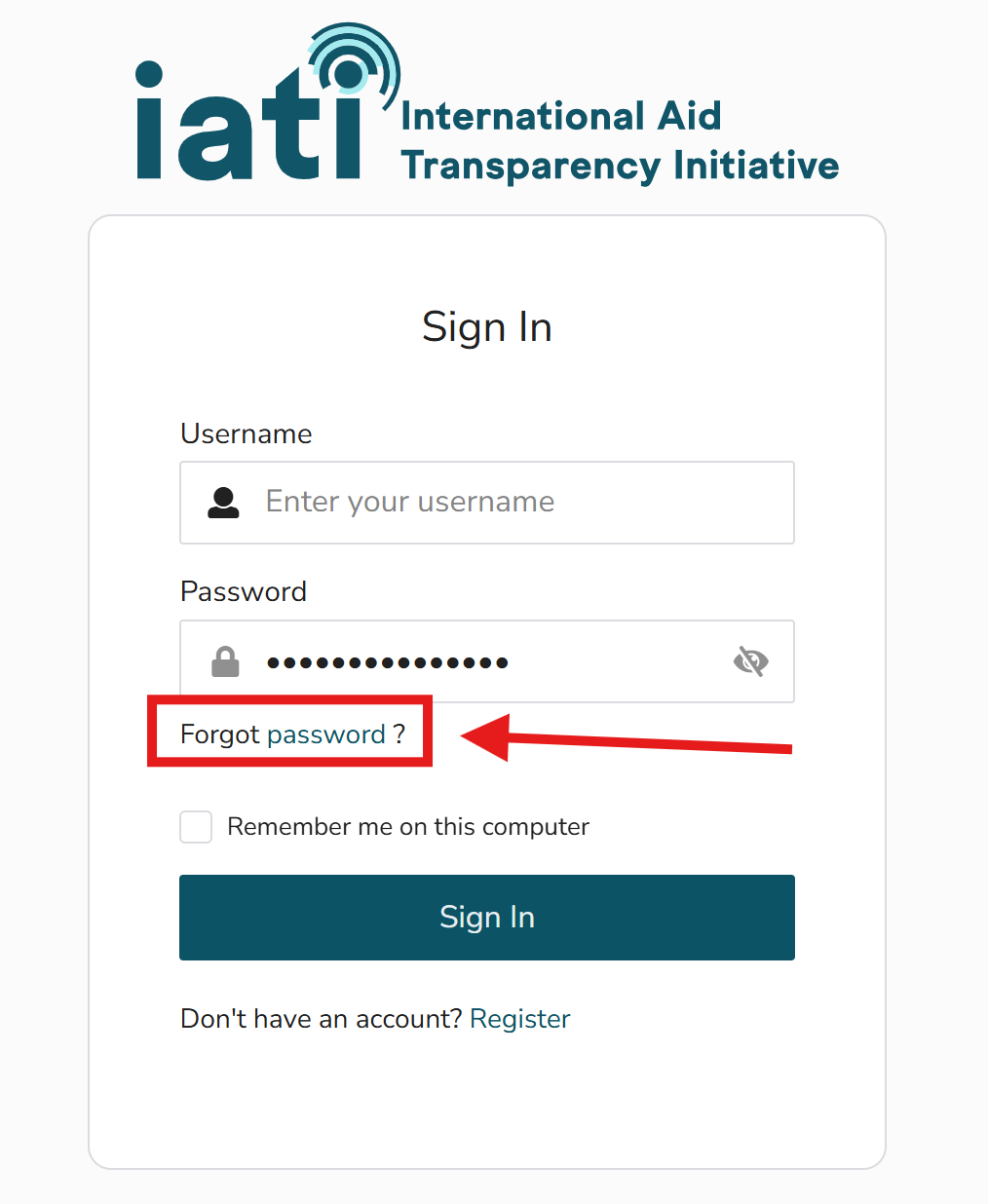
Click “Forgot password” under the sign in fields
Enter your email address
Use the link in the email you receive to reset your password
Password reset emails for IATI Account are sent from asgardeo-eu-noreply@wso2.com. To ensure you receive them, add this address to your safe senders list and check your junk or spam folder.
Note that password reset links expire after 5 minutes.
Note
It is not yet possible to change your password from within IATI Account. Instead, please follow the steps above to reset your password from the sign-in page.